
High-Converting Welcome Email sequences and all your email campaigns live or die by open rates. In 2026, average industry open rates hover between 21% and 42%, depending on the source and audience type, with automated flows (like welcome sequences) often performing stronger at 45–55% or higher. Yet many marketers still send generic messages that get buried in crowded inboxes. The two most powerful, proven levers to boost those numbers? Personalization and strategic use of emojis.
When combined thoughtfully, personalization and emojis can lift open rates by 20–56% in many cases, turning a standard High-Converting Welcome Email into a standout performer that grabs attention instantly. This guide shows you exactly how to improve email open rates with personalization and emojis step by step, with real data, best practices, and warnings so you avoid common pitfalls.
Why Personalization and Emojis Matter for Email Open Rates in 2026
Personalization makes subscribers feel seen. It signals that the email was crafted for them, not blasted to thousands. Data consistently shows personalized emails achieve 29% higher open rates and 41% higher click-through rates compared to non-personalized ones. Personalized subject lines alone can increase openings by 26% or more.
Emojis add visual pop in a split-second scan. They draw the eye, convey emotion or urgency quickly, and help your subject line stand out among dozens of plain-text competitors. Studies indicate that brands using emojis in subject lines see higher open rates up to 56% in B2C contexts, though results vary by audience and industry. In welcome emails, where subscribers are freshly engaged, this combination creates an irresistible first impression.
Together, they address the core challenge: getting your email noticed in under 2 seconds the average time someone spends deciding whether to open.
read Email Templates That Recover 25%+ of Lost Sales
The Power of Personalization: How It Directly Improves Email Open Rates
Personalization goes far beyond inserting a first name. It uses data about signup source, past behavior, location, or interests to make every element feel relevant.
Proven Impact on Open Rates
- Personalized subject lines boost opens by 20–26%.
- Overall personalized campaigns deliver 29% higher unique open rates.
- In some tests, dynamic personalization has doubled opens (from ~17% to ~36% in targeted segments).
For your High-Converting Welcome Email sequence, this means tailoring the very first message based on how someone joined your list.
Practical Ways to Add Personalization
- Subject Line Personalization
- Basic: “Welcome, {{FirstName}}! Your free guide is here”
- Advanced: “{{FirstName}}, ready to crush your fitness goals with our 7-day plan?” (if they downloaded a fitness lead magnet)
- Dynamic Content Based on Behavior Use tags or segments: If someone signed up via a discount popup, reference the offer. If via a blog post, reference the topic they read.
- Preheader Text Extend personalization here: “{{FirstName}}, here’s the exact workout plan you asked for…”
- Deeper Layers (for later emails in the sequence)
- Location-based: “Top picks for Karachi shoppers”
- Interest-based: Reference products they viewed but didn’t buy (with proper data consent)
Pro Tip: Start simple. Most email platforms (Klaviyo, Mailchimp, ActiveCampaign) support merge tags and segments out of the box. Test one layer of personalization first before going advanced.
How Emojis Boost Email Open Rates – And When They Don’t
Emojis act like visual hooks. A single, relevant emoji can make your subject line pop in mobile inboxes, where most opens happen.
What the Data Says
- Up to 56% higher open rates in B2C when emojis are used effectively.
- 56% of brands that tested emojis saw improvements.
- In holiday or promotional contexts, emojis have lifted opens from 18% to 22%+.
- However, results are mixed in B2B (sometimes a slight decrease) and overuse can hurt.
Emojis work best when they reinforce the message rather than decorate it.
read Email Templates That Recover 25%+ of Lost Sales
Best Practices for Using Emojis to Improve Email Open Rates
- Use only 1 emoji per subject line — More than one often looks spammy.
- Place strategically: At the beginning for strong visual impact, or at the end to frame the message.
- Choose relevant, positive emojis: 🎉 for celebrations, 🔥 for hot offers, 📘 for guides, 🛍️ for shopping.
- Match your brand tone: Fun and casual brands can be bolder; professional services should be restrained.
- Test placement and type: What works for welcome emails may differ from promotional blasts.
Examples for High-Converting Welcome Email:
- “🎁 Welcome, {{FirstName}}! Claim your free ebook now”
- “Ready to glow? ✨ Here’s your skincare starter kit, {{FirstName}}”
- “{{FirstName}}, your 20% welcome discount is waiting 🛒”
Avoid: Multiple emojis, controversial symbols, or anything that could be misinterpreted.
Combining Personalization and Emojis for Maximum Lift in Open Rates
The real magic happens when you layer both techniques:
- Personalized + Emoji: “Hi {{FirstName}}, your custom workout plan is here 💪”
- This combo feels personal and visually engaging, often outperforming either tactic alone.
In your welcome sequence:
- Email 1 (Instant): Heavy on personalization + one emoji for instant recognition.
- Email 2–3: Tone down emojis, amp up deeper personalization based on clicks from Email 1.
- Later emails: Use behavioral triggers (e.g., “Since you loved the intro tip…”) with subtle emojis.
Always A/B test combinations. Run variants like:
- Plain subject
- Personalized only
- Emoji only
- Both together
Track not just opens, but also click-to-open rates and downstream conversions to ensure the lift is genuine.
Implementation Steps to Improve Your Email Open Rates Today
- Audit Current Performance Check your welcome sequence and recent campaigns. Note baseline open rates.
- Set Up Personalization Ensure your email platform has clean subscriber data (first name, tags, signup source). Clean invalid or missing fields.
- Build Emoji-Friendly Templates Keep subject lines under 50–60 characters (including emoji) to avoid truncation on mobile.
- Create Test Variants For your next High-Converting Welcome Email send or flow update, prepare 2–4 subject line versions.
- Launch and Monitor Use your platform’s built-in A/B testing. Wait for statistical significance (usually a few hundred to thousand recipients).
- Refine Based on Results Scale what wins. Segment further different audiences may respond differently to emojis.
- Watch Deliverability Overuse of emojis or poor personalization (e.g., wrong names) can increase spam complaints. Maintain a strong sender reputation with authentication (SPF, DKIM, DMARC) and clean lists.
Common Mistakes That Hurt Open Rates
- Over-personalizing with inaccurate data (e.g., wrong name) → immediate delete or unsubscribe.
- Emoji overload → looks spammy, hurts trust.
- Ignoring audience type → B2B audiences often prefer cleaner subjects.
- No testing → assumptions lead to missed opportunities.
- Focusing only on opens → always tie improvements to clicks and revenue.
Start Improving Your Email Open Rates with Personalization and Emojis Now
Improving email open rates with personalization and emojis is one of the fastest, highest-ROI changes you can make especially in your High-Converting Welcome Email sequence where engagement is naturally highest.
Begin small: Add first-name personalization and one relevant emoji to your next welcome email subject line. Run a quick A/B test. Measure the difference. Then iterate across the full sequence.
When done right, these tactics don’t just boost opens they build stronger relationships from day one, leading to better clicks, conversions, and customer loyalty.
Your inbox competitors aren’t waiting. Make your emails impossible to ignore with smart personalization and strategic emojis.
Which tactic will you test first in your welcome flow?
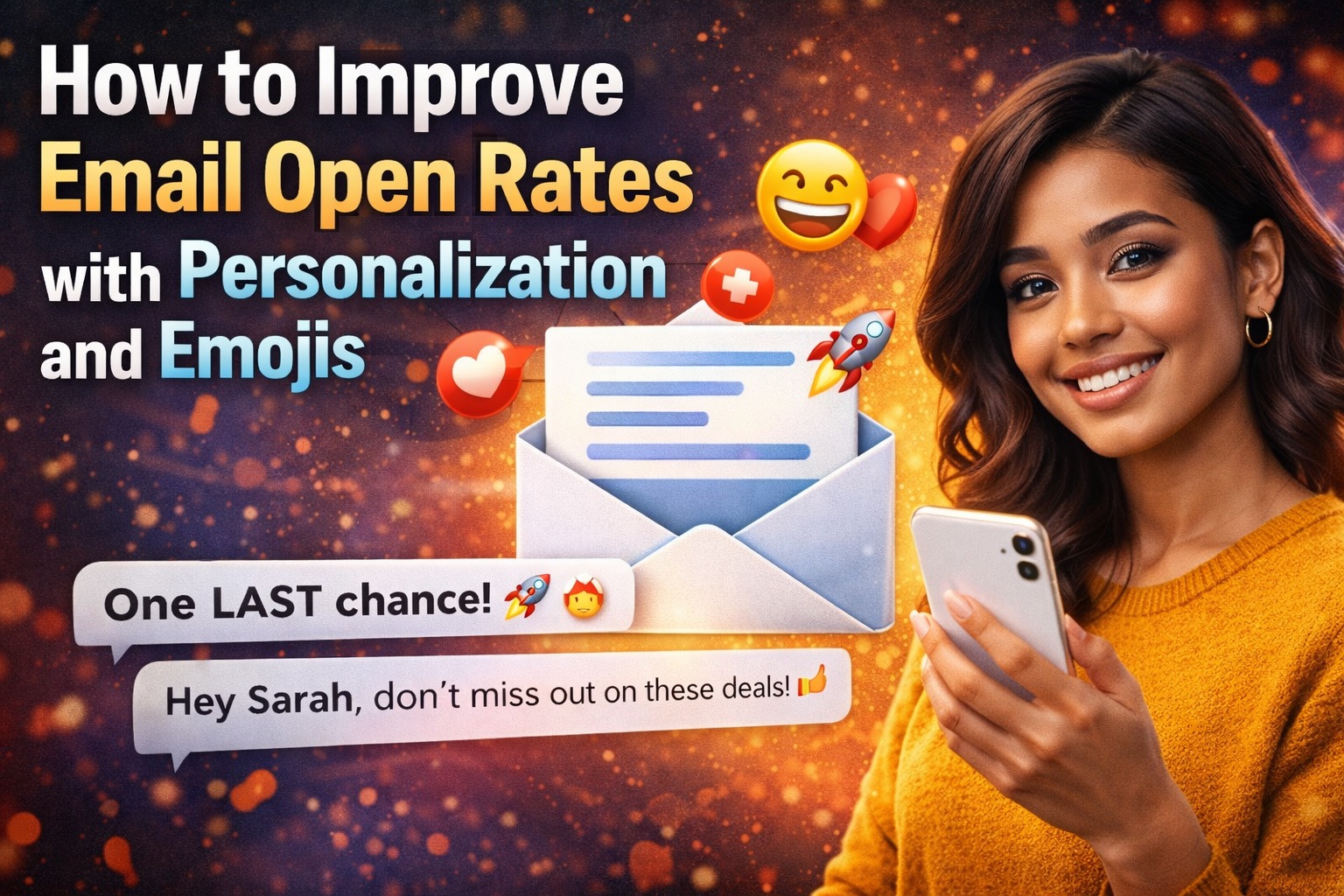
How to Improve Email Open Rates with Personalization and Emojis
High-Converting Welcome Email sequences and all your email campaigns live or die by open rates. In 2026, average industry open rates hover between 21% and 42%, depending on the source and audience type, with automated flows (like welcome sequences) often performing stronger at 45–55% or higher. Yet many marketers still send generic messages that get buried in crowded inboxes. The two most powerful, proven levers to boost those numbers? Personalization and strategic use of emojis.
When combined thoughtfully, personalization and emojis can lift open rates by 20–56% in many cases, turning a standard High-Converting Welcome Email into a standout performer that grabs attention instantly. This guide shows you exactly how to improve email open rates with personalization and emojis step by step, with real data, best practices, and warnings so you avoid common pitfalls.
Why Personalization and Emojis Matter for Email Open Rates in 2026
Personalization makes subscribers feel seen. It signals that the email was crafted for them, not blasted to thousands. Data consistently shows personalized emails achieve 29% higher open rates and 41% higher click-through rates compared to non-personalized ones. Personalized subject lines alone can increase openings by 26% or more.
Emojis add visual pop in a split-second scan. They draw the eye, convey emotion or urgency quickly, and help your subject line stand out among dozens of plain-text competitors. Studies indicate that brands using emojis in subject lines see higher open rates up to 56% in B2C contexts, though results vary by audience and industry. In welcome emails, where subscribers are freshly engaged, this combination creates an irresistible first impression.
Together, they address the core challenge: getting your email noticed in under 2 seconds the average time someone spends deciding whether to open.
The Power of Personalization: How It Directly Improves Email Open Rates
Personalization goes far beyond inserting a first name. It uses data about signup source, past behavior, location, or interests to make every element feel relevant.
Proven Impact on Open Rates
- Personalized subject lines boost by 20–26%.
- Overall personalized campaigns deliver 29% higher unique open rates.
- In some tests, dynamic personalization has doubled opens (from ~17% to ~36% in targeted segments).
For your High-Converting Welcome Email sequence, this means tailoring the very first message based on how someone joined your list.
Practical Ways to Add Personalization
- Subject Line Personalization
- Basic: “Welcome, {{FirstName}}! Your free guide is here”
- Advanced: “{{FirstName}}, ready to crush your fitness goals with our 7-day plan?” (if they downloaded a fitness lead magnet)
- Dynamic Content Based on Behavior Use tags or segments: If someone signed up via a discount popup, reference the offer. If via a blog post, reference the topic they read.
- Preheader Text Extend personalization here: “{{FirstName}}, here’s the exact workout plan you asked for…”
- Deeper Layers (for later emails in the sequence)
- Location-based: “Top picks for Karachi shoppers”
- Interest-based: Reference products they viewed but didn’t buy (with proper data consent)
Pro Tip: Start simple. Most email platforms (Klaviyo, Mailchimp, ActiveCampaign) support merge tags and segments out of the box. Test one layer of personalization first before going advanced.
How Emojis Boost Email Open Rates – And When They Don’t
Emojis act like visual hooks. A single, relevant emoji can make your subject line pop in mobile inboxes, where most opens happen.
What the Data Says
- Up to 56% higher open rates in B2C when emojis are used effectively.
- 56% of brands that tested emojis saw improvements.
- In holiday or promotional contexts, emojis have lifted opens from 18% to 22%+.
- However, results are mixed in B2B (sometimes a slight decrease) and overuse can hurt.
Emojis work best when they reinforce the message rather than decorate it.
Best Practices for Using Emojis to Improve Email Open Rates
- Use only 1 emoji per subject line — More than one often looks spammy.
- Place strategically: At the beginning for strong visual impact, or at the end to frame the message.
- Choose relevant, positive emojis: 🎉 for celebrations, 🔥 for hot offers, 📘 for guides, 🛍️ for shopping.
- Match your brand tone: Fun and casual brands can be bolder; professional services should be restrained.
- Test placement and type: What works for welcome emails may differ from promotional blasts.
Examples for High-Converting Welcome Email:
- “🎁 Welcome, {{FirstName}}! Claim your free ebook now”
- “Ready to glow? ✨ Here’s your skincare starter kit, {{FirstName}}”
- “{{FirstName}}, your 20% welcome discount is waiting 🛒”
Avoid: Multiple emojis, controversial symbols, or anything that could be misinterpreted.
Combining Personalization and Emojis for Maximum Lift in Open Rates
The real magic happens when you layer both techniques:
- Personalized + Emoji: “Hi {{FirstName}}, your custom workout plan is here 💪”
- This combo feels personal and visually engaging, often outperforming either tactic alone.
In your welcome sequence:
- Email 1 (Instant): Heavy on personalization + one emoji for instant recognition.
- Email 2–3: Tone down emojis, amp up deeper personalization based on clicks from Email 1.
- Later emails: Use behavioral triggers (e.g., “Since you loved the intro tip…”) with subtle emojis.
Always A/B test combinations. Run variants like:
- Plain subject
- Personalized only
- Emoji only
- Both together
Track not just opens, but also click-to-open rates and downstream conversions to ensure the lift is genuine.
Implementation Steps to Improve Your Email Open Rates Today
- Audit Current Performance Check your welcome sequence and recent campaigns. Note baseline open rates.
- Set Up Personalization Ensure your email platform has clean subscriber data (first name, tags, signup source). Clean invalid or missing fields.
- Build Emoji-Friendly Templates Keep subject lines under 50–60 characters (including emoji) to avoid truncation on mobile.
- Create Test Variants For your next High-Converting Welcome Email send or flow update, prepare 2–4 subject line versions.
- Launch and Monitor Use your platform’s built-in A/B testing. Wait for statistical significance (usually a few hundred to thousand recipients).
- Refine Based on Results Scale what wins. Segment further different audiences may respond differently to emojis.
- Watch Deliverability Overuse of emojis or poor personalization (e.g., wrong names) can increase spam complaints. Maintain a strong sender reputation with authentication (SPF, DKIM, DMARC) and clean lists.
Common Mistakes That Hurt Open Rates
- Over-personalizing with inaccurate data (e.g., wrong name) → immediate delete or unsubscribe.
- Emoji overload → looks spammy, hurts trust.
- Ignoring audience type → B2B audiences often prefer cleaner subjects.
- No testing → assumptions lead to missed opportunities.
- Focusing only on opens → always tie improvements to clicks and revenue.
Start Improving Your Email Open Rates with Personalization and Emojis Now
Improving email open rates with personalization and emojis is one of the fastest, highest-ROI changes you can make especially in your High-Converting Welcome Email sequence where engagement is naturally highest.
Begin small: Add first-name personalization and one relevant emoji to your next welcome email subject line. Run a quick A/B test. Measure the difference. Then iterate across the full sequence.
When done right, these tactics don’t just boost opens they build stronger relationships from day one, leading to better clicks, conversions, and customer loyalty.
Your inbox competitors aren’t waiting. Make your emails impossible to ignore with smart personalization and strategic emojis.
Which tactic will you test first in your welcome flow?